
.jpg)
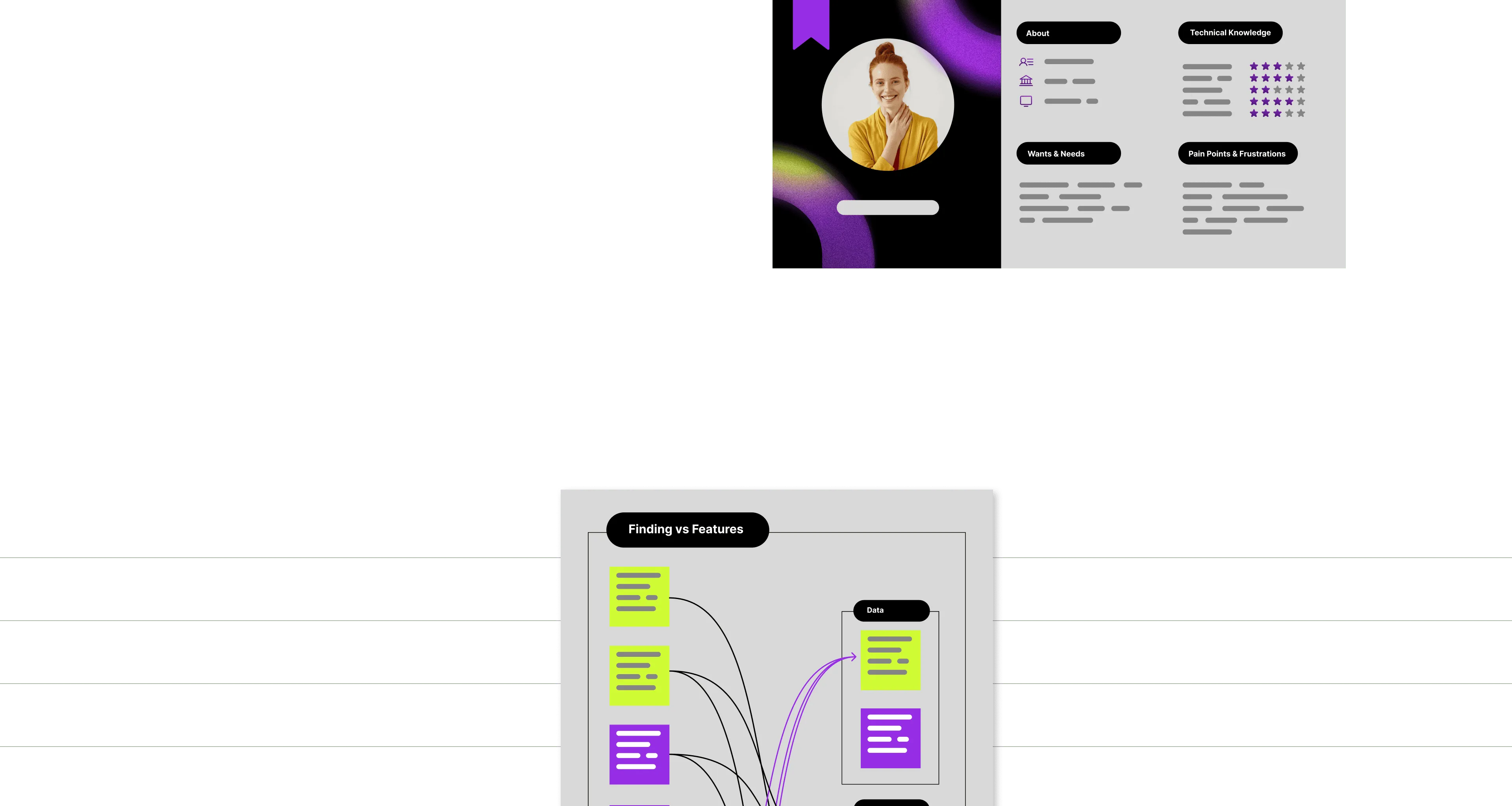
Diagrams and whiteboards are everywhere. Are they accessible?
Canvas-based applications have become essential to how modern teams collaborate. But the very qualities that make them powerful also make them some of the least accessible interfaces on the web. The patterns we rely on for accessible HTML simply don't map onto an infinite canvas. What kind of challenges arise in interactive canvases and whiteboards?
In this talk, Anna Dulny-Leszczyńska and Wojtek Krzesaj walk through real-world examples of accessibility features already present on the market. You'll see what makes interactive applications challenging for users with disabilities — and how even small improvements can make a real difference.
This webinar is part of Global Accessibility Awareness Day 2026 — an annual day dedicated to digital access and inclusion for the more than one billion people with disabilities worldwide.
Your hosts
Both speakers work day-in-day-out on the exact problem they're talking about — interactive, graph-heavy applications at Synergy Codes.

Anna Dulny-Leszczyńska
Senior Product Designer and Accessibility Champion at Synergy Codes. With 5+ years of designing UX, she currently focuses on leading design in diagramming and data visualization projects, combining her usability knowledge with facilitation experience. Since 2025, one of 24 Certified Professionals in Accessibility Core Competences (CPACC) in Poland.

Wojciech Krzesaj
Diagram editors and data visualization expert. For 5+ years at Synergy Codes, Wojciech has been building interactive diagram editors and data visualization interfaces — tools designed to let people see, understand, and work with complex data. His projects span industries that demand precision: automotive manufacturing, conversational AI, electrical engineering, statistical analysis, and enterprise architecture.
Three seats at the table
Accessibility is a shared responsibility. Whichever hat you wear, there's something concrete here for you.
Product owners & stakeholders
Learn why accessibility belongs on your product roadmap — and see concrete examples of features that make diagramming tools usable for everyone.
- →Canvas gaps as real usage barriers
- →Accessibility as product quality indicator
- →Roadmap implications of keyboard and screen reader support
Designers
Understand the challenges of interactive canvas design, see market benchmarks, and get inspired by real implementations worth copying.
- →Common canvas interaction failures
- →Canvas-specific interaction patterns
- →Common pitfalls in accessible canvas design
Developers
See how accessibility ships into diagramming products, and what to look out for when implementing interactive features in your own codebase.
- →Technical foundations for inclusive interactions
- →Tools for evaluating accessibility in projects
- →Inclusive design across multiple need types
Small details. Big difference.
A 45-minute, example-driven walkthrough — no hand-wavy theory, no slide-of-the-month. You'll leave with things you can apply to the product you ship on Monday.
- ✓Why canvas-based apps are one of accessibility's hardest surfaces — and why that's solvable
- ✓Concrete examples of accessibility features already in the wild (and what makes them work)
- ✓Where the low-hanging fruit is — improvements you can ship in a sprint
Live Q&A at the end — a chance to discuss topics you're curious about.
Why Synergy Codes is hosting this
Synergy Codes is a 70-person deep-tech studio. We build workflow platforms, product configurators, and complex diagramming tools for clients like Siemens, BMW, and Canon.
That work puts us right in the middle of one of accessibility's hardest surfaces — interactive canvases and whiteboards. We live in that problem space every day, and we think it's worth talking about honestly.

Accessibility isn't an afterthought you sprinkle on top of a finished design — it's a constraint that makes the whole product stronger. In diagramming and whiteboarding, it's also one of the hardest design problems we work on. That's why I wanted us to put this session together: less theory, more of what actually works on real canvases.
30 seconds to your seat.
Registration is handled by Luma — you'll get a calendar invite and a join link by email.