


How voice to diagram works
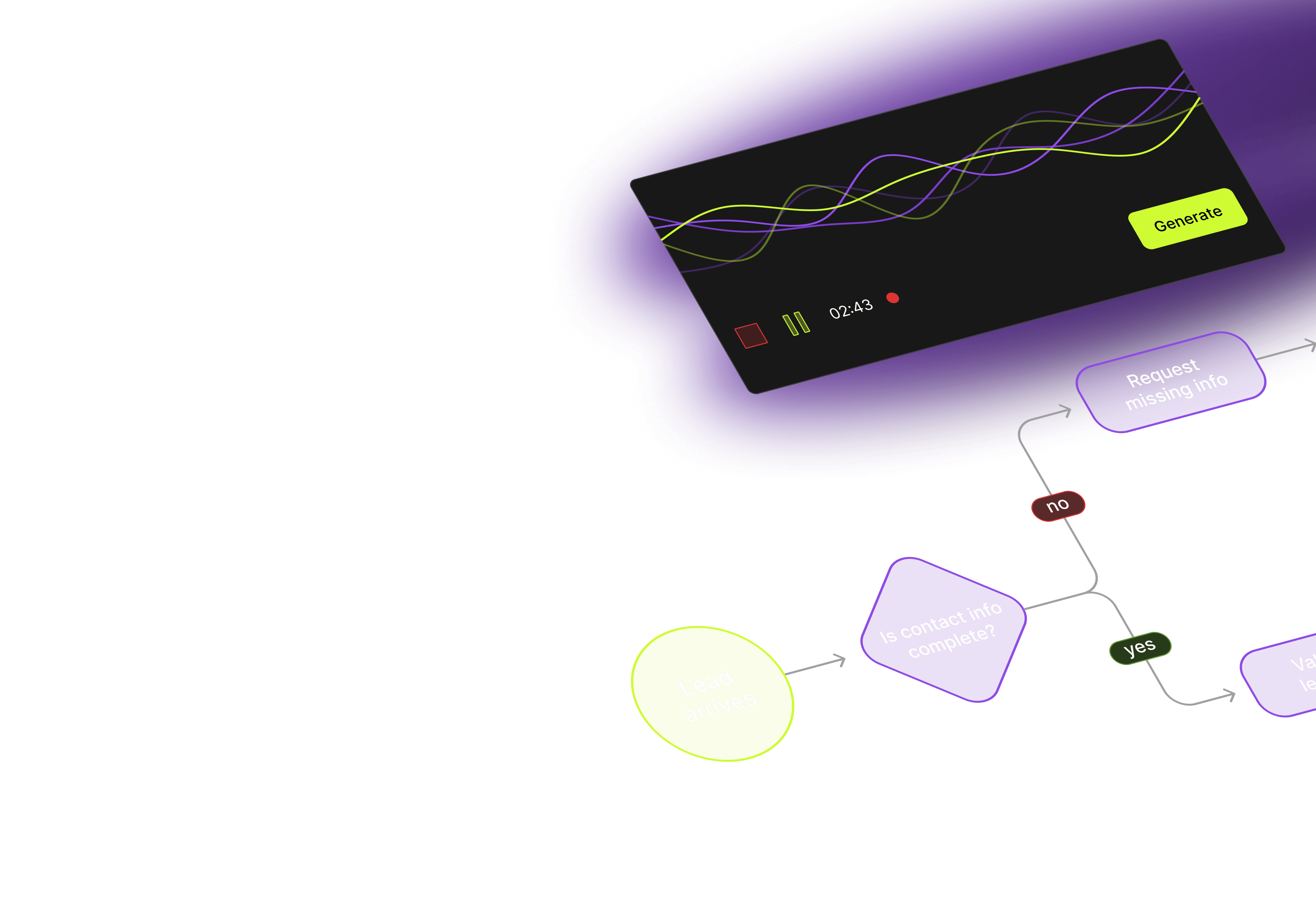
See how natural speech transforms into professional diagrams through an AI-powered voice interface.
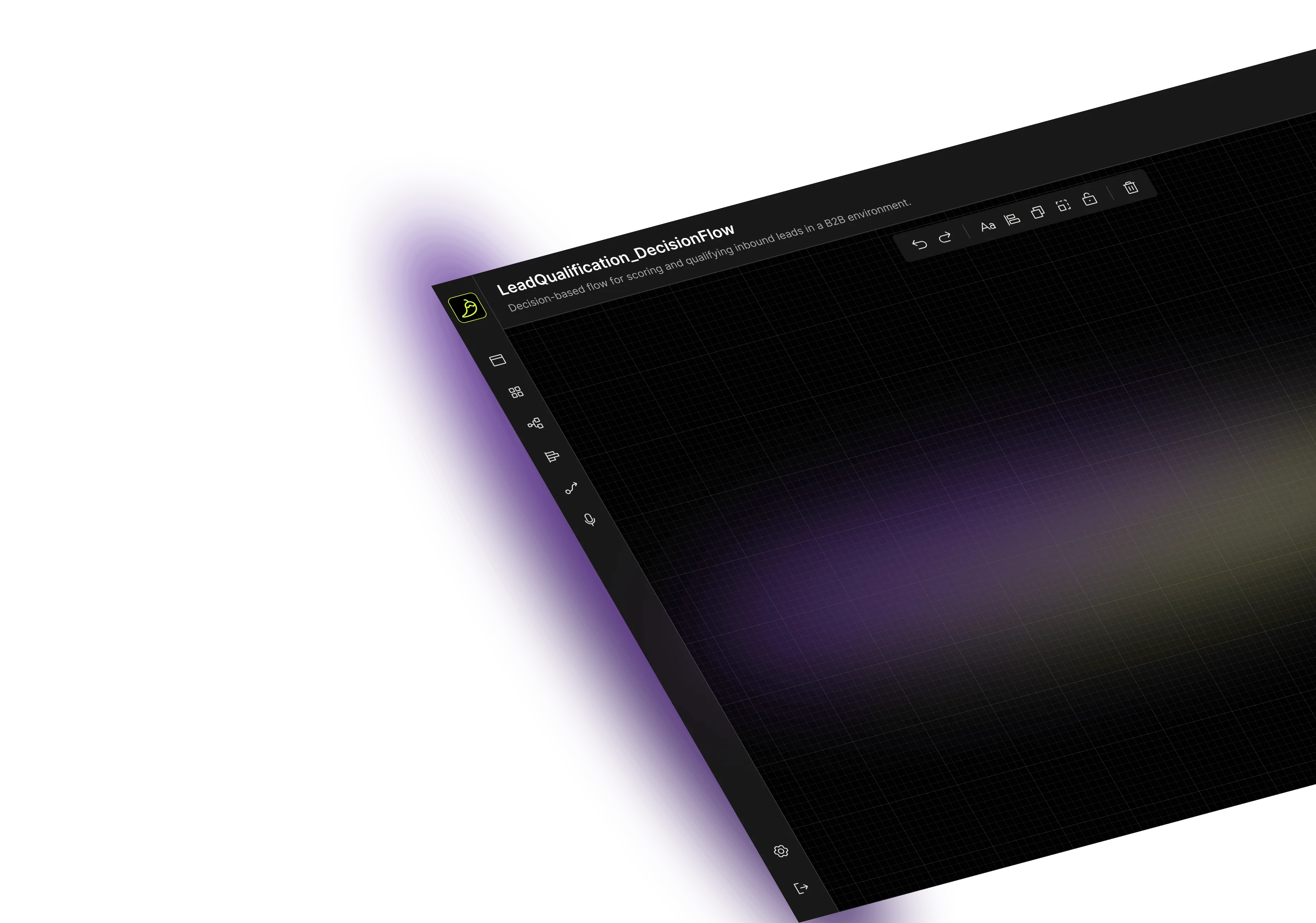
Add-on for existing apps
Seamlessly integrates with your current diagramming application as an overlay feature. Works with any technology stack while preserving existing functionality.
Natural speech input
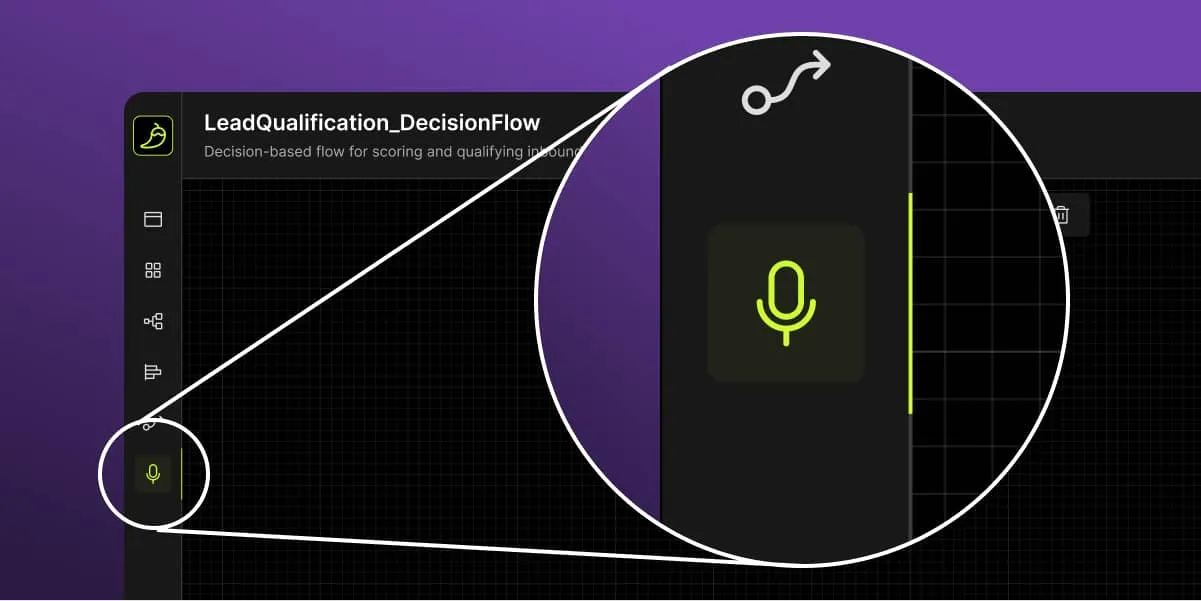
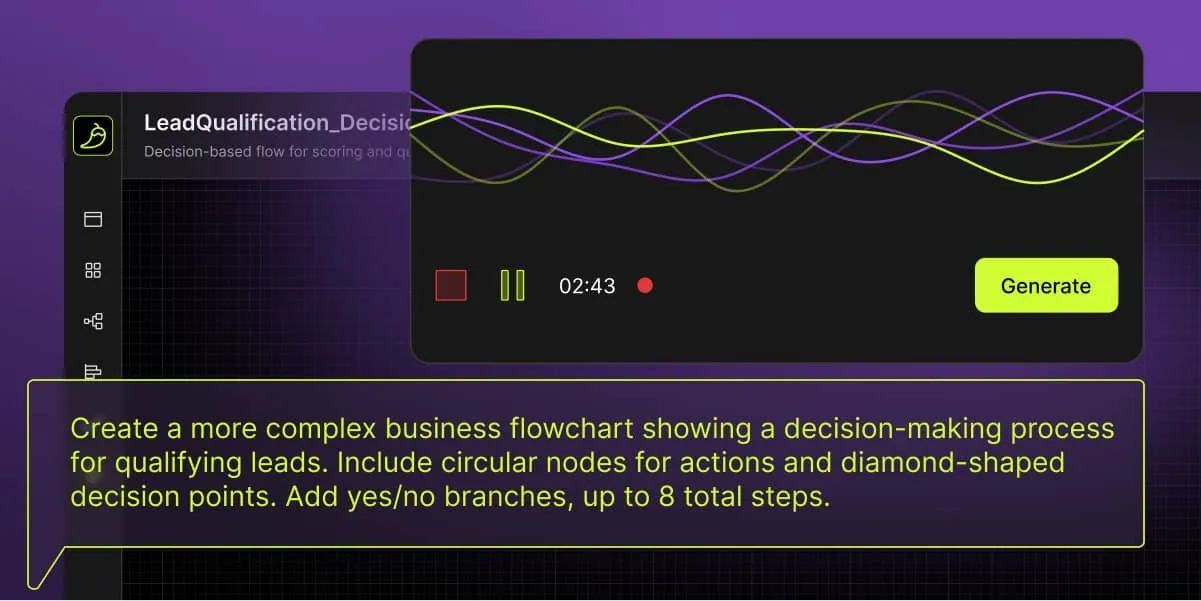
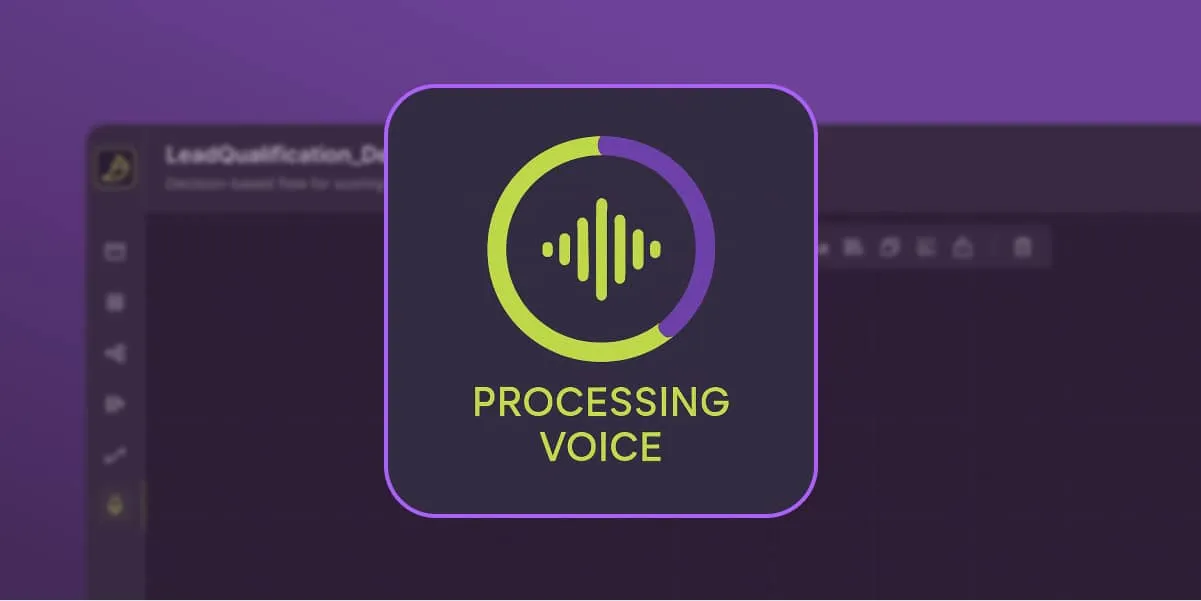
Speak commands using your company's terminology and processes. Our system can understand your industry-specific language and business context with minimal configuration.
Real-time AI processing
Voice commands translate into diagram actions within your application context, allowing you to control and build diagrams step-by-step rather than generating entire diagrams at once.
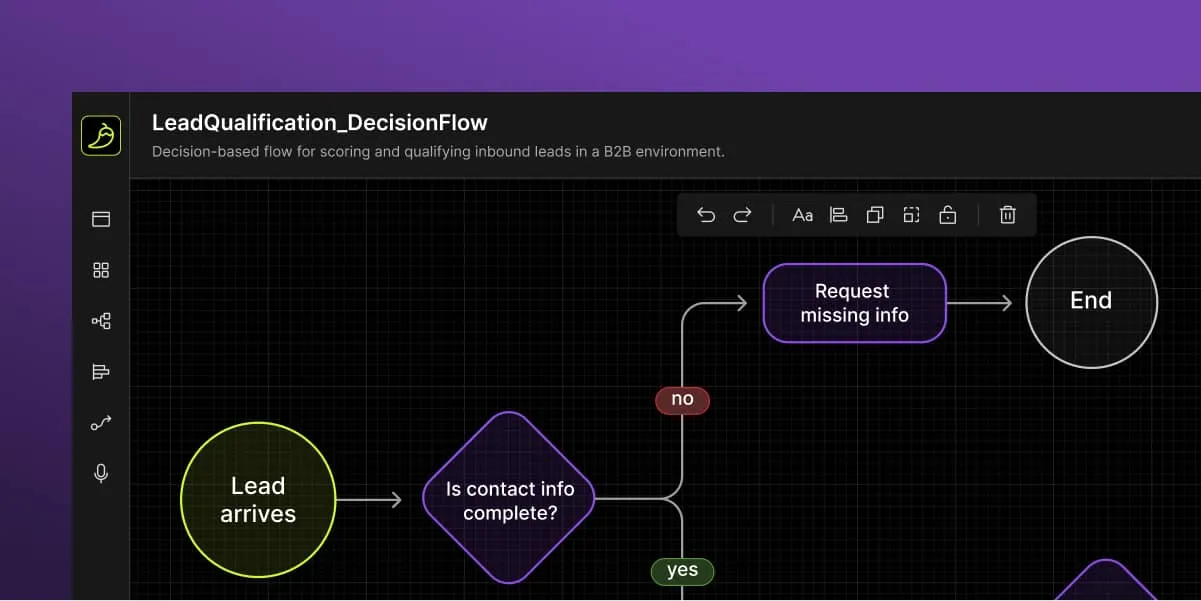
Interactive diagram
The diagram appears within your application, using your existing nodes and visual elements. Continue speaking to modify elements while the system remembers all previous actions in the session.

Supercharge your diagramming solution with voice technology

Just speak naturally – no UI training needed. New employees can use your diagramming app effectively from day one.

Skip menu navigation and complex commands. Focus on your ideas while voice handles the execution.

Speak your industry's terminology. The system adapts to your company's specific vocabulary and unique processes.

Voice commands work in popular languages worldwide, with all supported languages available in your system from day one.

Create and edit diagrams together during meetings. Voice commands enable instant updates while discussing ideas.

Voice functionality includes underlying text-to-diagram capabilities, giving you both input methods.

Enable users with motor limitations to create diagrams effortlessly. Voice commands make your application truly inclusive.

Voice data never leaves your session. Audio processes instantly and disappears, ensuring complete privacy protection.

Stay ahead with voice interfaces. Align your applications with growing user expectations for conversational AI.
Why text-to-diagram is yesterday's technology
While our voice-to-diagram solution includes text-to-diagram functionality, text input alone isn't enough. Voice technology breaks down barriers, enabling faster interaction and making diagram creation accessible to all users regardless of their abilities.
Synergy Codes is a trusted data visualization partner
Since 2012, we've been specializing in creating and enhancing diagramming applications. By addressing complex user experience challenges and accessibility barriers, we deliver intuitive, scalable solutions that align technical capabilities with business objectives.

→ Years designing intuitive interfaces that handle complex data workflows while remaining accessible under pressure.
→ Comprehensive process from initial consultation through implementation, ensuring seamless project execution.
→ We’ve been delivering data visualization and system architecture projects
for enterprise clients worldwide
for over a decade.
→ Tailored scope definition and solution design based on your specific operational needs and technical requirements.

→ We select optimal technology for your case, ensure high performance, and design for seamless integration with existing systems.

→ We build secure frontends without needing access to your backend code, keeping your intellectual property protected.

Step-by-step implementation

Hear from our clients
While looking for a proficient service in creating graphical components, we wanted to work with experts that would advance our tool with exceptional UX and UI, which enabled us to win new deals with significant clients.

Synergy Codes is at the top of the charts regarding timeliness, accuracy, completeness, and budget compliance.

They're able to deliver our ideas creatively and efficiently with very few issues and defects.

FAQ
- How long does it take to integrate voice functionality into our existing diagramming application?
Integration typically takes 2-4 weeks depending on your application's complexity. Most of the development happens on our side, requiring minimal time investment from your team.
- What programming languages and frameworks does your solution support?
Our solution is technology-agnostic and works with any web-based diagramming application regardless of the underlying framework. We create a custom interface that connects seamlessly with your existing codebase.
- Can the system understand our company's specific terminology and industry jargon?
Yes, we configure the system to understand your industry-specific vocabulary and business processes. It adapts to your company's unique terminology during the setup phase.
- What happens if voice commands are misunderstood or not recognized?
If commands aren't understood, the system asks for clarification, notifies you when something can't be processed, and allows you to easily undo actions or try again with different phrasing.
- Is our voice data stored or processed by third parties?
Voice data is processed in real-time and immediately discarded after conversion to commands. No audio recordings are stored, ensuring complete privacy protection.
- What are the ongoing costs after implementation?
Ongoing costs depend on usage volume and whether you choose our optional maintenance services. We offer flexible pricing models including pay-per-use and fixed monthly plans.
- Do we need special hardware or can it work with standard microphones?
The solution works with any standard microphone, including built-in laptop mics and headsets. No special hardware investment is required.
- Can users still create diagrams manually if they prefer not to use voice commands?
Absolutely, voice functionality is an addition to your existing interface, not a replacement. Users can seamlessly switch between voice commands, text-to-diagram functionality, and traditional manual input methods.
Want your diagrams to listen? Start by talking to us
Fill out the form, and we will get back to you within 24 hours to discuss the next steps.

Not a fan of contact forms?
Reach out to Maciej on LinkedIn
Maciej Teska
CEO at Synergy Codes