

Why most AV teams hit a wall with current tools
Generic
CAD limits
Schematics in Visio, BoM in Excel, install docs in Word – every revision pulls them out of sync.
Vendor
platform defaults
D-Tools and XTEN-AV work for the average workflow. They don't bend when yours is more specific.
Schematic
and data drift
Equipment list changes; the schematic doesn't catch it. Errors land at the install site, not the design table.
Locked into subscriptions
Per-seat fees, vendor roadmap, integrations behind paywalls. The tool isn't yours.
Manual reconciliation cost
Every revision triggers hours of cross-checking spreadsheets, drawings, and proposals. An invisible cost that grows with each project.
Shallow vendor integrations
Marketplace connectors instead of real two-way sync with your ERP, CRM, and quoting tools.
Get an AV platform built around your team and workflow
Your AV platform, designed around how your team actually works. Owned by your business, fully customizable, ready to grow with new features, integrations, and workflows over time.
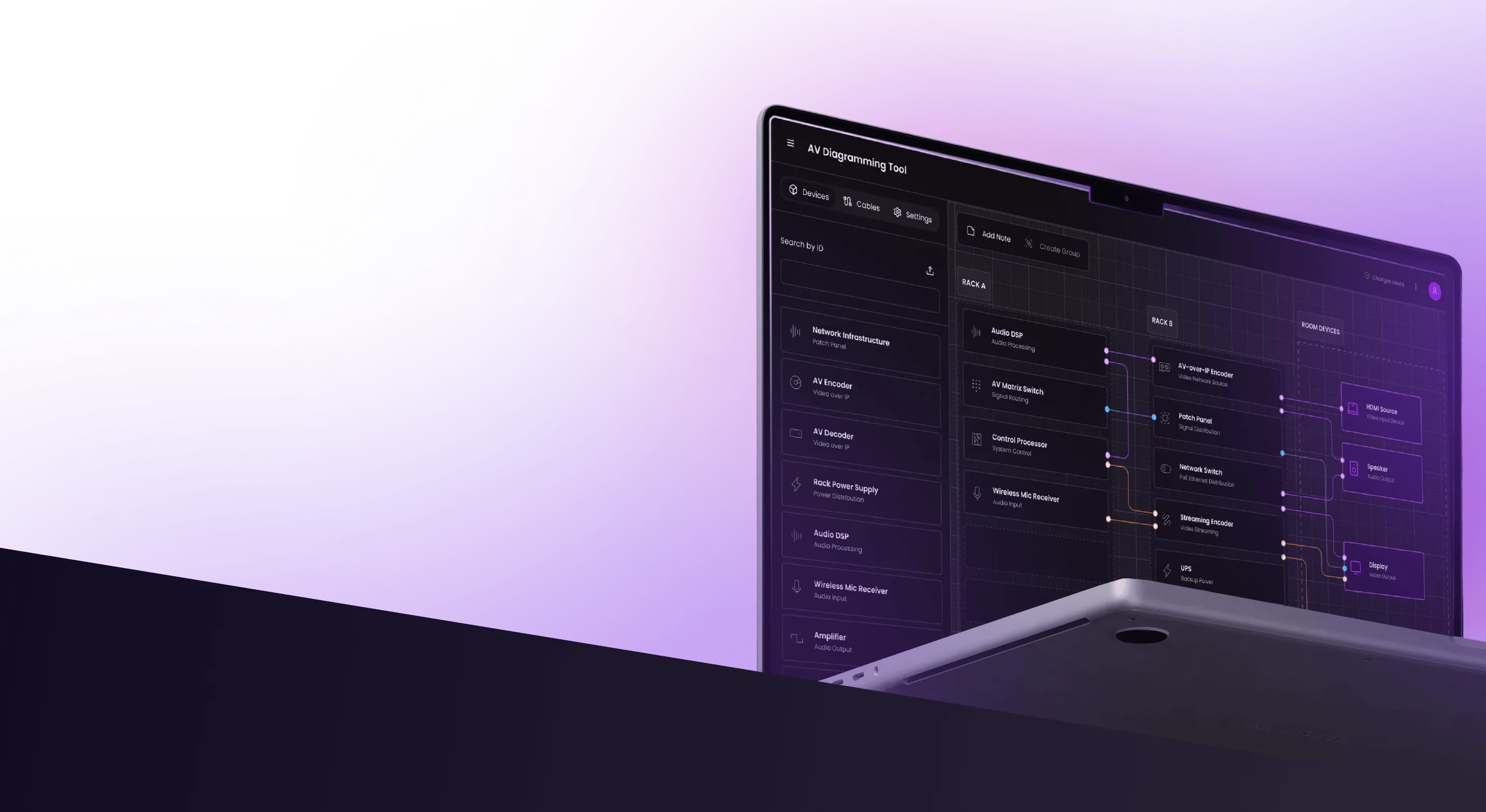
See the AV schematic demo
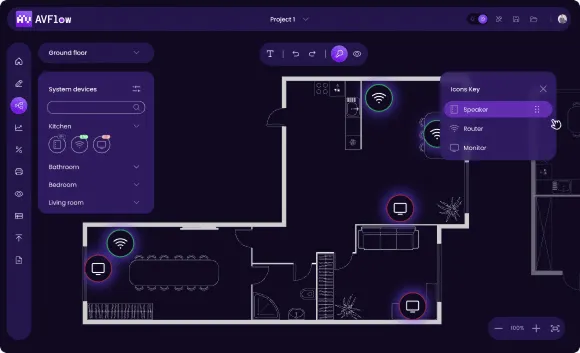
AV diagram editor, drag-and-drop device library, multi-view editing of schematics and rack layouts, AutoCAD-compatible DXF export, real-time validation – the starting point. Open access: click around, drag devices, edit schematics, export. Your custom audio visual drawing software will be designed around your team's workflow, devices, and validation rules – with whatever advanced features you need on top.
Capabilities you can have in your platform
Pick what your workflow actually needs. Synergy Codes builds these features into custom AV software – the list below is a starting menu, not a limit.

Generate AV diagrams and schematic drawings from device data. Change the device list, the schematic updates everywhere.

Built from your manufacturer catalogs, existing inventory, or external APIs.

Signal compatibility, port limits, impedance, and cable runs flagged at design time, not at install.

Schematic, rack elevation, and tabular views of the same AV drawing, edited in one place.

Multi-user editing, in-diagram comments, change history, granular role permissions.

Real-time sync with your ERP, CRM, inventory portal, and quoting systems.

Proposals, BoM, wire lists, wiring diagrams, device lists, install runbooks generated from project data.

PDF, AutoCAD-compatible DXF, Excel – outputs your install and procurement teams already use.

Custom integrations and extensible architecture for any future workflow your business adds.
And anything else your workflow needs. The full scope is mapped together during discovery workshops – you don't need to come in with a fully formed feature list.
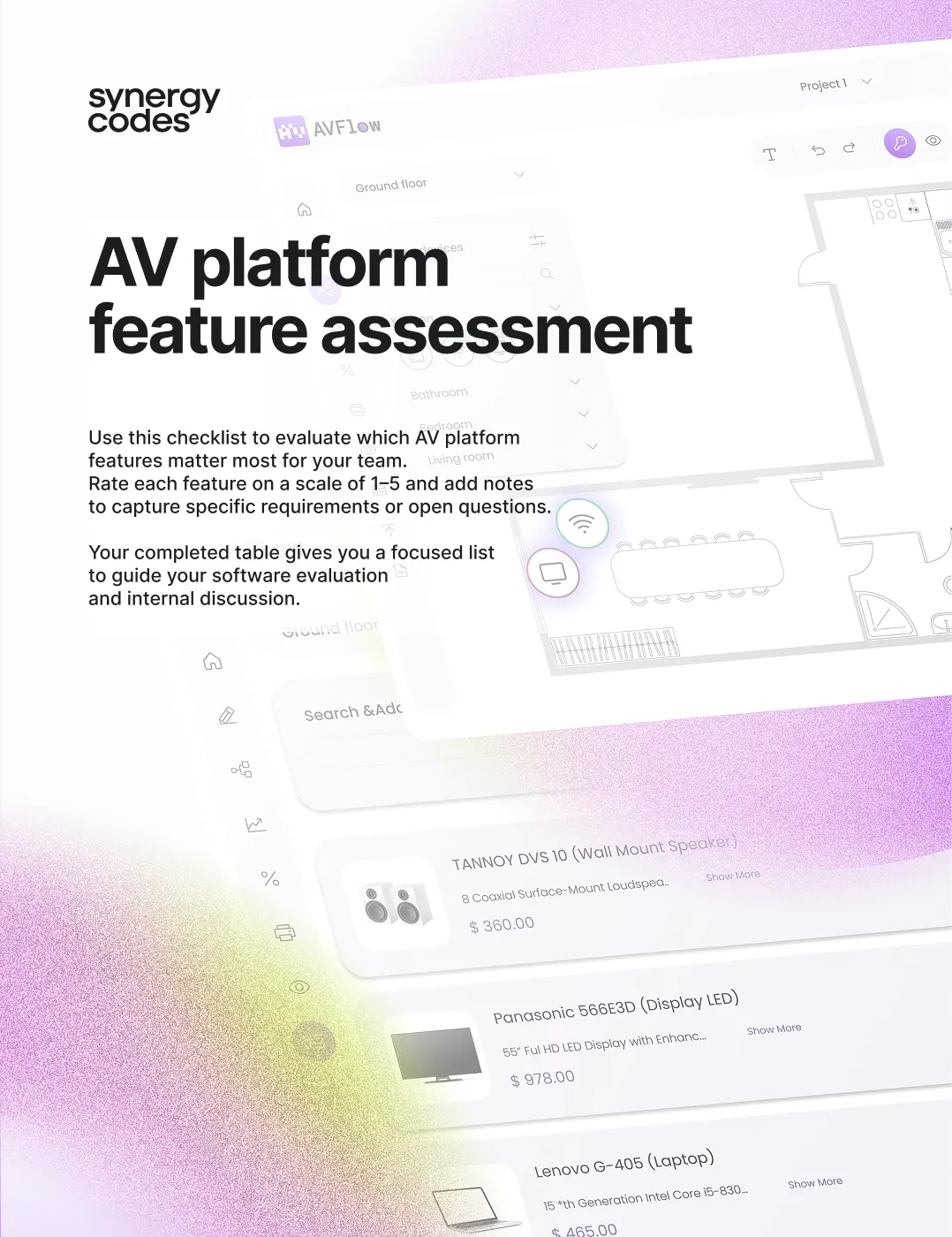
The 2026 Buyer’s guide
What really matters in AV design software?
Built on 150+ conversations with AV integrators and industry practitioners. A practical resource for AV teams evaluating whether their current audio visual design software still fits.
Key takeaways from real conversations
What AV practitioners are asking for – and what they have already moved past.
Self-assessment checklist
Signs it might be time to move from generic platforms to custom AV software.
Advanced capabilities, broken down
A detailed look at the features that define modern audio visual design software.
Feature priority worksheet
Map what your team actually needs across the project lifecycle.
Examples of custom AV solutions we have delivered
AV design and drawing software – all workflows in one place
Floor plan editing, AV schematic software, custom device library, real-time team collaboration, and a tablet-ready field interface – consolidated into a single browser workspace. Floor plan import from DWG, DXF, PDF, and PNG. PDF and DXF exports for AutoCAD-compatible workflows.
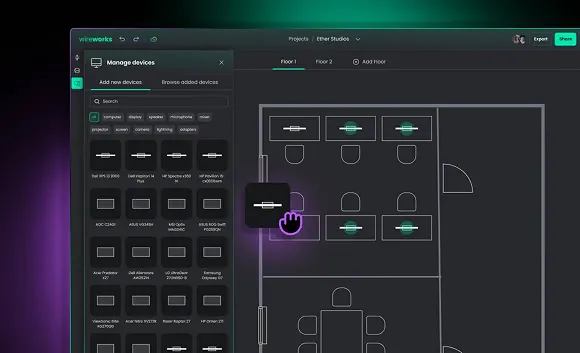
AV system design and proposal software
End-to-end AV design and proposal system combining a system diagram tool, mobile floor planner with augmented reality, automatic bill of materials, and an admin dashboard. Built for AV companies preparing client proposals – from initial floor plans through to detailed system schematics and equipment lists.
Why AV teams build with Synergy Codes

15 years of engineering software
Synergy Codes has built technical drawing and engineering software since 2011 – schematic editors, configurators, monitoring tools, workflow editors across manufacturing, telecom, and AV-adjacent industries.

200+ custom platforms
From single-team tools to enterprise systems in production across diverse industries. The components that don't change from team to team are already solved.

End-to-end delivery
Discovery workshops, UX design, full-stack development, deployment, training, and ongoing maintenance – one team handling the whole engagement. No vendor handoffs.

Behind ngDiagram
Synergy Codes develops ngDiagram – a free, open-source diagramming library tuned for engineering schematics, performant on large diagrams. The same engine powers AV-specific platforms.
How we work with AV teams
01
Discovery
and design
- Workshops mapping current workflow, devices, validation rules
- Stakeholder interviews across design and install teams
- Wireframes and prototypes for the platform UI
- Design system tuned to your branding
Before any code, the software is mapped against how the business runs. Discovery covers workflow, devices, integrations, validation rules, and the install crew's day-to-day reality.
02
Development
- Iterative builds with frequent demos and feedback
- Frontend, backend, and integration layers built in parallel
- Custom validation rules and device library architecture
- Integration with your existing ERP, CRM, inventory, and quoting systems
Builds happen in iterations with frequent demos and feedback. Synergy Codes adapts to your team's preferred working style – whether that is agile, waterfall, or a hybrid approach.
03
Launch and maintenance
- Deployment to your environment with full documentation
- Training for design, install, and admin teams
- Source code ownership transferred to your business
- Ongoing maintenance and feature development on flexible terms
After launch, Synergy Codes can stay engaged for feature work and support, or hand over and step back. The software is owned by your business either way.
Got an AV platform in mind? Let's talk.
Fill out the form, and we will get back to you within 24 hours to discuss the next steps.

Not a fan of contact forms?
Reach out to Maciej on LinkedIn
Maciej Teska
CEO at Synergy Codes
FAQ
- What does custom AV design software mean?
Custom AV design software is a platform built around a specific AV business – its devices, validation rules, workflow, and integrations – rather than configured from a vendor's product. Synergy Codes builds these solutions end-to-end. Each one ships as the client's own software, with source code and data ownership.
- How is Synergy Codes' AV design platform different from D-Tools, XTEN-AV, or Stardraw?
D-Tools, XTEN-AV, and Stardraw are SaaS platforms designed for the average integrator workflow. They serve teams whose process matches the vendor's defaults. Synergy Codes builds custom AV design software for businesses with their own validation rules, integration depth, or workflow specifics – owned by the business, not leased per seat.
- Can custom AV design software replace AutoCAD or Visio for AV teams?
Yes – for the AV-specific work. Synergy Codes builds AV design software that handles schematics, rack elevations, BoM, and exports natively. AutoCAD or Visio stay in the workflow if other teams use them; the custom solution exports to AutoCAD-compatible DXF when needed. Most AV teams replace the daily drafting in CAD, not the broader CAD ecosystem.
- Does the software support proposal and quoting workflows?
Yes. Synergy Codes regularly builds proposal generation, BoM, wire lists, and quoting integrations into AV software. Proposals can sync directly with the schematic – change a device, the proposal updates. Integrations with existing ERP or quoting tools (D-Tools Cloud, Jetbuilt, custom CRMs) are common in custom builds.
- How long does it take to build custom AV design software?
Most custom AV design software projects ship in 3 to 6 months end-to-end. Discovery and design typically take 2 to 6 weeks. Development ranges from a few weeks for a focused MVP to several months for a full design-to-install solution with deep integrations. Launch – deployment, training, and documentation handoff – usually runs 1 to 3 weeks. The exact timeline is mapped during discovery.
- What integrations does the software support?
Custom integrations with the systems the business already runs – ERP (SAP, Oracle, NetSuite), CRM (Salesforce, HubSpot), inventory portals, quoting tools (D-Tools Cloud, Jetbuilt), and engineering tools (AutoCAD, Revit). Two-way sync, not marketplace add-ons. The integration depth depends on which systems matter most to your design and install workflow.
- Can custom AV design software export to AutoCAD, PDF, or Excel?
Yes. AutoCAD-compatible DXF, PDF, Excel, and CSV exports are standard outputs. Procurement teams get BoM in Excel, install teams get AV drawings in PDF, CAD teams get DXF for upstream integration. Custom export formats can be added based on the workflow.
- Who owns the software after Synergy Codes builds it?
Your business. Source code, data, and infrastructure stay with the client. No per-seat subscription, no licensing fees. Synergy Codes can stay engaged for maintenance and feature work on flexible terms, or hand over fully and step back.
Recommended reading
Six common AV challenges – component inconsistency, CAD bottlenecks, ...
Read article →
How custom AV software connects sales, engineering, and installation workflows...
Read article →
As AV systems grow more complex, general CAD tools reach their limits. Learn how custom ...
Read article →
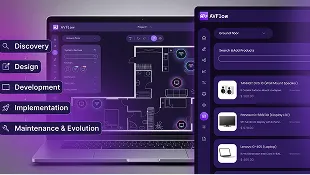
What each engagement phase looks like – Discovery, Design, Development, Launch, Maintenance...
Read article →