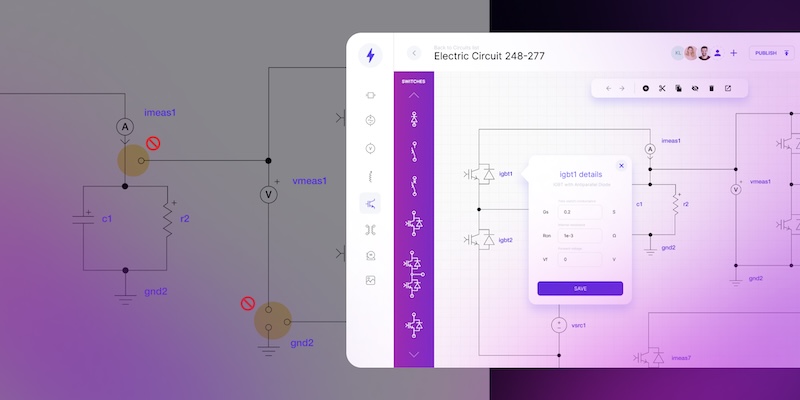
Solving AV planning challenges with a custom-built design automation platform

Struggling with AV system planning? Learn how custom CAD automation streamlines diagrams, collaboration and delivery across complex AV projects.
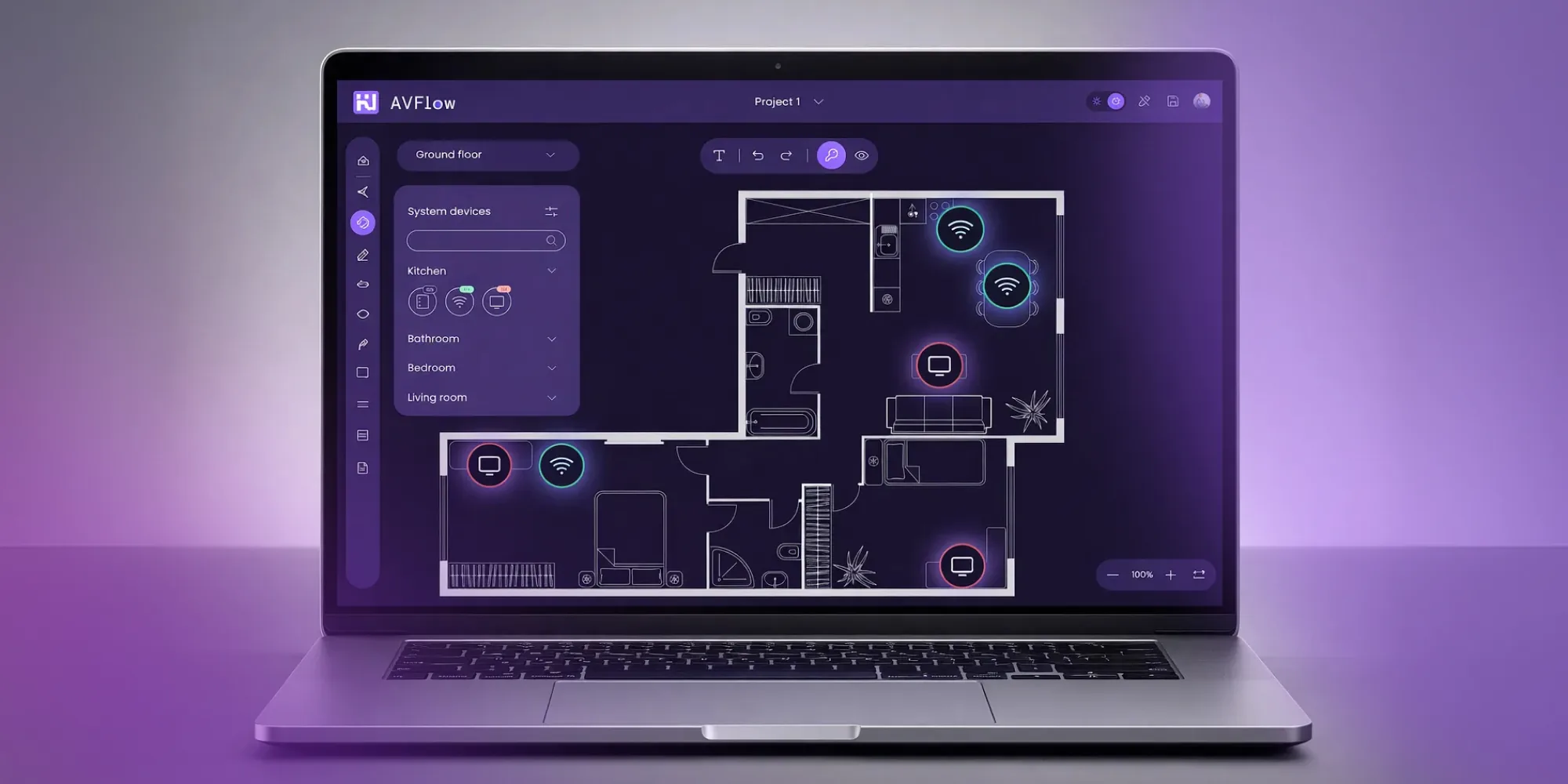
Manual AV system planning can no longer keep up with growing project complexity. Disconnected workflows slow teams down, create costly bottlenecks, and lead to lost revenue as changes pile up. Custom design automation brings planning, diagrams and collaboration into one platform, helping AV teams move faster, stay in control and scale delivery.
An AV system is no longer just screens, speakers, and cables connected in a room. It is a coordinated setup of devices, software, and control logic designed to support communication, collaboration, and also presentation across different spaces.
As projects grow, AV system planning becomes more demanding. Integrators and designers must consider user experience, technical constraints, scalability and future changes from day one. At the same time, expectations around speed, clarity, or documentation keep rising. This is where automation of manual CAD tasks becomes essential – providing the structure, speed, and control needed to design, update and scale AV systems without adding complexity.
Streamline AV design and proposals in one platform
Explore solution.png)
Why traditional AV system planning struggles to keep up?
Many AV teams still depend on manual work. Diagrams are drawn by hand, component lists live in spreadsheets, and proposals are prepared separately from technical documentation. Every update requires repeating the same steps.
Without automation, planning could be a slow process, which is difficult to control.
Manual AV planning causes friction at multiple levels:
- Creating or updating an AV system diagram takes significant time,
- Small changes introduce inconsistencies across drawings and documents,
- Manual processes increase the risk of errors,
- Collaboration between sales, engineers, installers, and customers becomes harder.
If your projects involve frequent changes, multiple stakeholders or room types, automation can significantly reduce friction. Explore our Custom AV design and proposal software and see how a unified platform can simplify your AV workflows.
Common challenges faced by companies creating AV system plans
Companies designing AV systems often struggle not because of missing expertise, but due to several recurring problems.
Keeping AV system components consistent
AV system components change frequently as projects evolve. When component data, diagrams and documentation are managed separately, teams lose alignment between design, pricing, and installation.
Time-consuming CAD-based workflows
AV drawings are typically created in CAD tools and require specialist knowledge. CAD itself is not the problem – it remains a solid foundation for technical documentation. The issue is that even with plugins, CAD is not designed for repetitive, data-driven AV schemas. As a result, specialists spend valuable time redrawing similar diagrams instead of focusing on higher-value design decisions.
Friction between sales and engineering
Sales teams need fast, reliable inputs for offers, while engineers focus on accuracy. Without a shared foundation, these outputs drift apart, slowing decisions and increasing rework. As a result, bottlenecks emerge in the workflow – offers take longer to prepare, changes pile up, and fewer projects can be delivered in the same timeframe. This directly limits revenue growth. If you want to learn more, read How CAD drawing automation speeds up sales and project delivery.
These challenges show why traditional AV system planning reaches its limits as projects scale.
What CAD automation means in AV system design?
CAD automation, applied specifically to AV, changes how these drawings are created. Instead of manually drawing every AV system diagram, an intelligent software speeds up sketching or even generates simple diagrams automatically from documentation, structured data and predefined rules. This greatly accelerates work.
This approach also supports business scalability. Sales teams can create simple technical schemas even during early offer stages, while AV specialists focus on complex design decisions later or handle more projects in parallel.
How different room types shape AV system design?
One of the biggest challenges in AV system planning is the variety of spaces that need to be supported. Each room type requires a different approach to design, different levels of complexity, and slightly different kind of elements.
Conference room AV system
A conference room AV system must support hybrid meetings, video conferencing and seamless content sharing. The design needs to balance audio quality, camera coverage and ease of use. Even small mistakes in layout or routing can impact meeting effectiveness.
Meeting room AV system
A meeting room AV system focuses on simplicity and speed. Users expect instant operation without technical knowledge. From a design perspective, the challenge is delivering consistency without overengineering the solution.
Classroom AV system
A classroom AV system needs to be reliable and easy to operate. Teachers require intuitive controls and repeatable layouts across many rooms. Standardization plays a key role in reducing setup time and support effort.
Gym AV system
A gym AV system introduces unique constraints such as acoustics, durability and wide coverage. Components are spread across large areas, which makes documentation and updates more complex as layouts evolve.
Auditorium AV system
An auditorium AV system combines scale, redundancy and advanced signal routing. Managing changes in such environments requires careful planning and clear documentation to avoid costly redesigns.
How automation improves collaboration and control in AV system projects?
By working on shared data, diagrams and documentation, teams gain real-time visibility, faster decision-making and better control over changes across the entire project lifecycle.
From isolated work to shared AV system planning
One of the least visible but most damaging problems in AV projects is fragmentation. Sales teams prepare proposals, engineers work on diagrams, and installers rely on their own notes. Each group operates in a different toolset, often based on copied files and outdated versions.
In this environment, planning becomes reactive instead of controlled. Changes are communicated informally, documentation drifts apart, and no one is fully confident that the final AV system diagram reflects the current state of the project. This is particularly problematic when it comes to presenting the current version of the project to the client.
However, a custom-built design automation platform addresses this issue by creating a single source of truth. Everyone works on the same data, the same diagrams, and the same documentation. When something changes, it changes everywhere.
Managing change without breaking AV system design
Change is inevitable in AV projects. Devices are replaced, room layouts evolve, budgets shift, and client expectations grow. The problem is not change itself, but how difficult it is to manage with manual workflows.
In traditional AV system design, even a small update can trigger a chain reaction:
- diagrams must be redrawn,
- component lists updated,
- proposals recalculated,
- documentation rechecked.
With automated workflows, modifications start at the data level. When a device or connection is corrected, the AV system diagram updates automatically. Documentation stays aligned, and teams avoid costly mismatches between design and reality.
Real-time collaboration across departments
What makes this approach even more effective is real-time collaboration. Authorized team members – such as AV designers, system engineers, project managers, technical leads and sales specialists – can introduce or suggest changes directly into the project. Everyone works on the same files, at the same time, with full visibility into updates. There is no need to pass files back and forth or wonder which version is current.
This shared environment removes bottlenecks and reduces delays caused by handoffs between roles. Decisions happen faster, changes are tracked automatically, and the entire team stays aligned throughout the project lifecycle.
Choosing AV design software in 2026? Compare your options with the buyer's guide.
Download the guide
Clear visualization for faster decisions
Another major advantage of automation is visualization. Many stakeholders involved in AV projects are not engineers. They need to understand the solution without reading technical specifications.
A clear AV system diagram makes it easier to explain:
- how devices are connected,
- what components are included,
- how the system behaves in different scenarios.
This improves communication not only with clients, but also internally. When everyone can see the same visual representation, discussions become faster and decisions more confident.
Automation that supports – not replaces – expertise
Automation does not remove the need for skilled AV professionals. Instead, it removes repetitive work that adds little value. Engineers spend less time redrawing diagrams and more time solving actual design challenges.
This is where CAD automation makes a practical difference. Instead of relying on generic engineering CAD tools, AV-specific logic ensures that diagrams follow real-world rules and standards. The result is faster output without sacrificing quality.
By reducing manual effort, teams gain more time to review designs, improve user experience, and plan for future expansion.
How Synergy Codes helps AV teams regain control?
This is the place where Synergy Codes comes in. Instead of offering another generic tool, Synergy Codes builds custom, but still CAD-based platform, tailored to how your company actually work. The goal is simple: help teams regain control over planning, diagrams, components, changes, and collaboration.
These custom platform address the core problems described above – manual CAD work, disconnected AV system components, slow updates, collaboration bottlenecks and limited scalability. By automating diagrams, documentation and proposal workflows, AV teams can work faster, stay aligned and deliver more projects without increasing complexity.
You can see how this approach works in practice in our AV systems case study.
From complex AV planning to controlled delivery
Modern AV projects are no longer simple installations. They involve complex dependencies between rooms, devices, software, and people. As this complexity grows, manual planning quickly becomes a bottleneck.
Design automation changes this. Automation supports collaboration, handles change without chaos, and frees specialists to focus on high-value design decisions instead of repetitive work. The result is better projects, delivered faster, with less risk and more room to scale.
If your AV projects involve frequent changes, multiple room types or growing delivery pressure, it’s time to move beyond manual workflows.
Explore Synergy Codes’ custom software solution and book a 1-on-1 consultation.
- What is an AV system in modern projects?
An AV system is a coordinated setup of hardware, software, and control logic designed to support communication, collaboration, and presentation across different spaces. It goes far beyond basic screens and speakers and must work reliably over time.
- Why does traditional AV system planning struggle at scale?
Manual workflows rely on hand-drawn diagrams, spreadsheets and disconnected tools. As projects grow, this slows teams down, creates costly bottlenecks and makes it harder to control changes and documentation.
- How does CAD automation support AV system design?
CAD automation generates diagrams and documentation from structured data instead of manual drawing. This speeds up work, reduces errors and keeps designs consistent when updates or changes are introduced.
- Can automation handle different room types like conference rooms or auditoriums?
Yes – automated platform adapt designs to different room types, from conference rooms to auditoriums, while keeping standards consistent. This makes multi-room and multi-location projects easier to manage.
- How does automation improve collaboration between teams?
Automated platform creates a single source of truth. Sales, engineers, project managers and installers work on the same data and diagrams in real time, which improves visibility and reduces handoff delays.
- How does CAD automation work in AV system design?
CAD automation uses predefined AV rules and data models to generate technical drawings automatically. This reduces repetitive work and keeps diagrams, documentation, and proposals aligned throughout the project.
Content Marketing Specialist who's spent the last decade making tech topics actually readable. With an MA in Brand Communication, Ida has crafted content strategies for several IT companies. Her portfolio spans from Kubernetes tutorials to enterprise software guides, now focusing on data visualization and diagramming solutions.

Find how we can help you enhance your software and win more deals
Contact us to discuss your project. After you submit the form, we’ll get in touch with you within 48 hours to arrange a call.