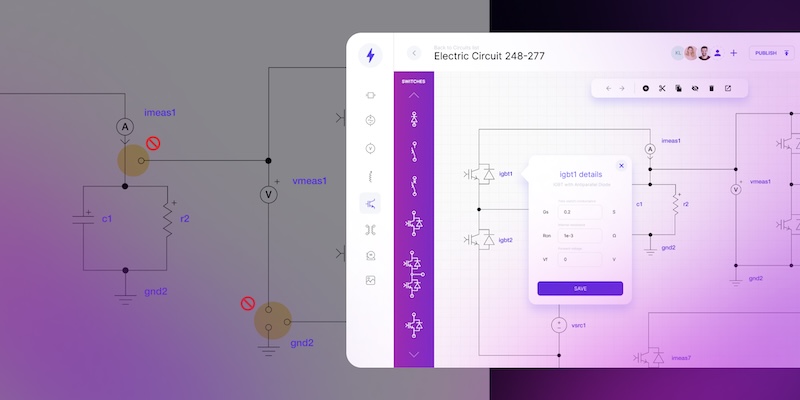
Why electrical schematics are perfect candidates for industrial automation

Electrical schematics follow standards and repeat across projects. Learn why they are ideal for automation and what custom electrical design software deliver.
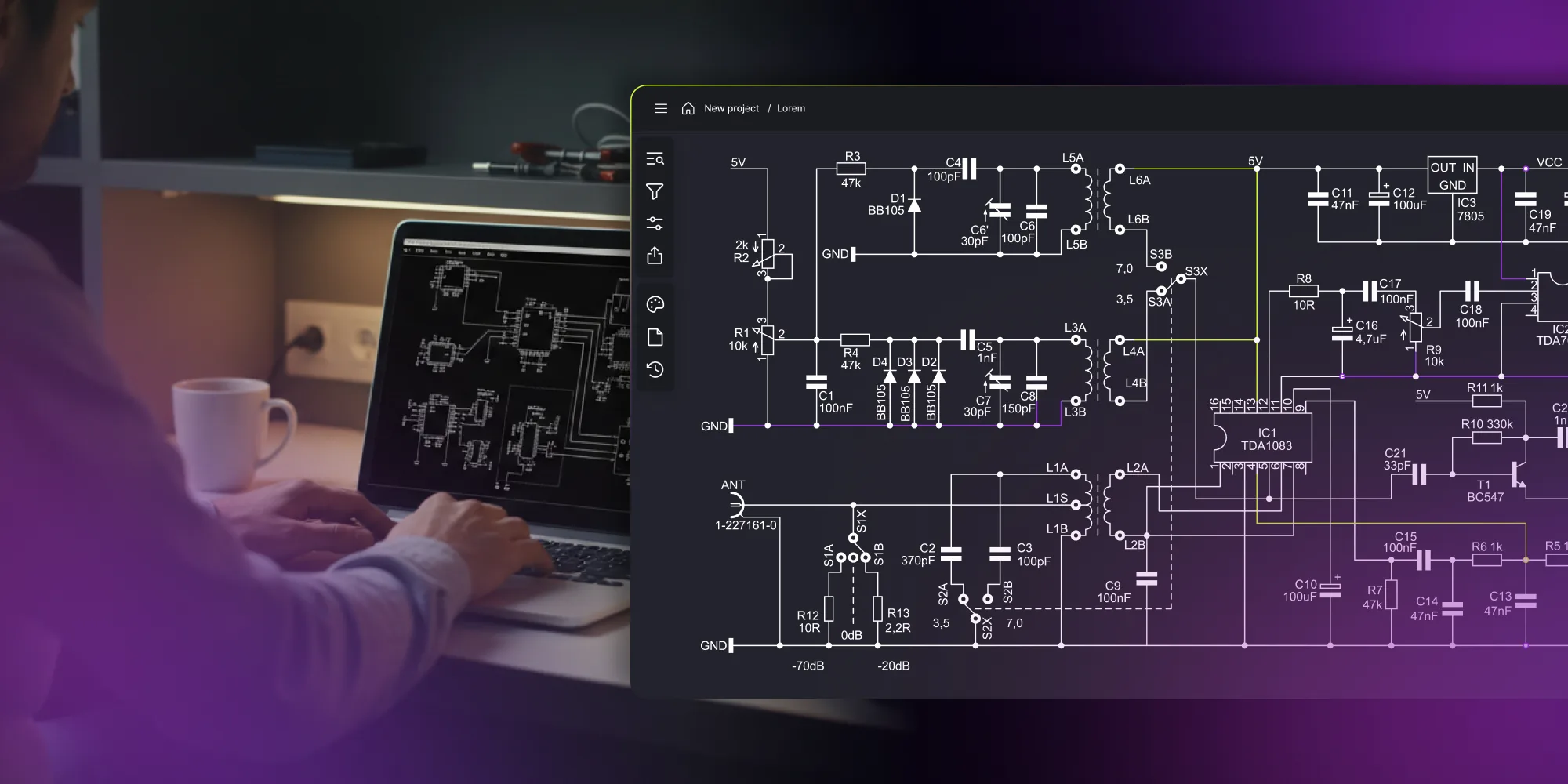
In the electrical software projects we've delivered, manual drawing in CAD can consume up to 30% of project time in rework alone. Automation of schematic generation, validation, and documentation is already a market standard. Custom electrical design software goes further, matching specific processes, standards, and enterprise integrations that packaged tools can't accommodate.
Why are electrical schematics ideal for design automation
Electrical schematics define every connection, component, and safety constraint that engineers, installers, and commissioning teams rely on. Yet in many organizations, electrical drawings are still drafted manually in CAD, with engineers placing components and defining connections individually.
A single specification change can require updates across multiple documents. When one gets missed, the error is often discovered during commissioning – when fixing it is most expensive.
Part of the reason lies in the structure of electrical schematics. Unlike free-form mechanical drawings, they operate in a constrained design space defined by standards, typed connections, and reusable circuit templates.
Control panels, rack layouts, wiring diagrams – the logic is consistent, even when the configuration changes.
These characteristics make electrical schematics well-suited to automation.
Get schematic editor that works the way you do
Book engineering consultation.png)
What makes electrical schematics automatable
Rules that define every electrical drawing
Electrical schematics follow established standards that govern how drawings are created and read:
- IEC 60617 defines graphical symbols for diagrams,
- IEC 61082 covers document presentation and layout,
- IEC/ISO 81346 specifies component identification and reference designations.
Every element on the diagram represents a specific device with properties defined in the component data:
- voltage and current ratings,
- terminal configuration and port assignments,
- manufacturer part number and mechanical dimensions.
The connections between components follow documented rules rather than individual interpretation. Most of the information needed to produce the drawing already exists in component definitions and project specifications. The schematic is a structured representation of that information.
The same patterns, project after project
A motor starter circuit, a PLC input section, or a power distribution panel follows the same logic whether it appears in a water treatment plant or on a production line. The component models and quantities change, but the drawing rules and connection patterns remain the same.
Templates and modular design reduce this repetition. An engineer defines a circuit once and reuses it across projects with different parameters – ratings, quantities, or component models – while the structure remains the same. Instead of redrawing the circuit each time, the configuration is adjusted.
Documentation that follows the design
Bills of materials, terminal lists, cable schedules, wire labels, and connection tables all derive from the same schematic model.
In manual workflows, these documents are often maintained separately. In an automated system, they are generated from the schematic and updated automatically when the design changes.
How electrical drawing automation changes the CAD-based design process
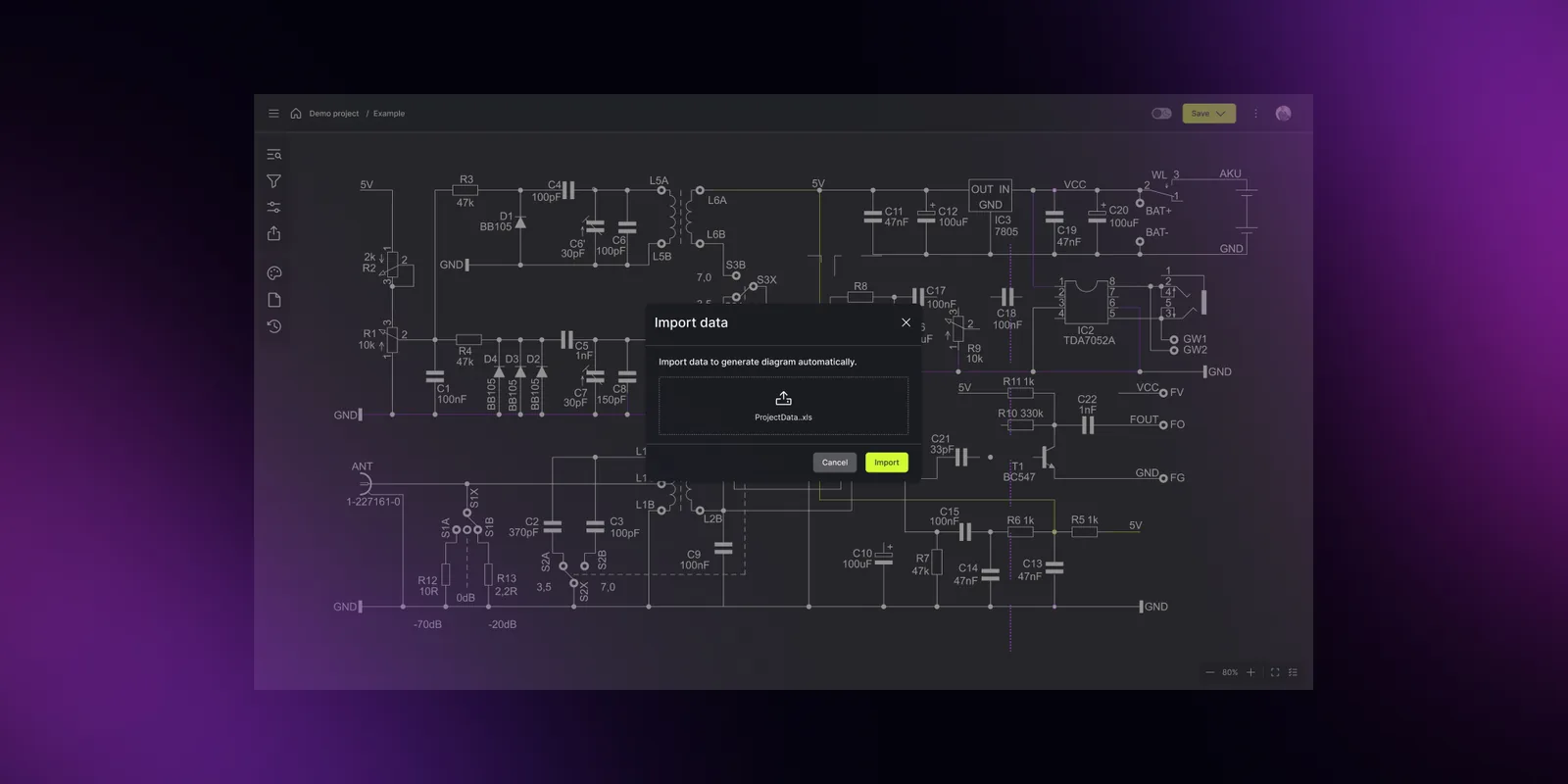
Modern automation platforms can handle generation, validation, and documentation within a single workflow.
Real-time error checking during design, not after export
In a typical CAD-based workflow, the drawing is created digitally, but many connection checks still rely on engineer review rather than automatic validation. Keeping those checks aligned after every revision is its own discipline, covered in managing documentation changes.
Consider a control panel layout for an industrial packaging line. A 24V sensor connected to a 230V power rail, an overloaded circuit breaker, a missing ground connection – in an automated system, these errors are flagged the moment the connection is made.
This doesn’t replace engineering review, but it catches many issues that would otherwise require engineers to manually cross-check hundreds of connections across a large project.
Consistent output across engineers and offices
In many CAD workflows, consistency depends on how individual engineers apply templates and naming conventions. Automated systems enforce those rules directly, ensuring consistent symbol placement, labeling, and layouts across projects and teams.
Symbol libraries are centralized. Labeling follows the configured standard, whether IEC, ANSI, or a company-specific convention. Drawing layouts follow predefined formats rather than individual preferences.
For a company designing control systems across multiple facilities, such as a water treatment plant in one region and a manufacturing line in another, this means that every schematic follows the same conventions, regardless of which engineer or office produced it.
Collaboration beyond file exchange
In most CAD-based teams, sharing a design means exporting a PDF or a CAD file. The recipient works from a snapshot that may already be outdated.
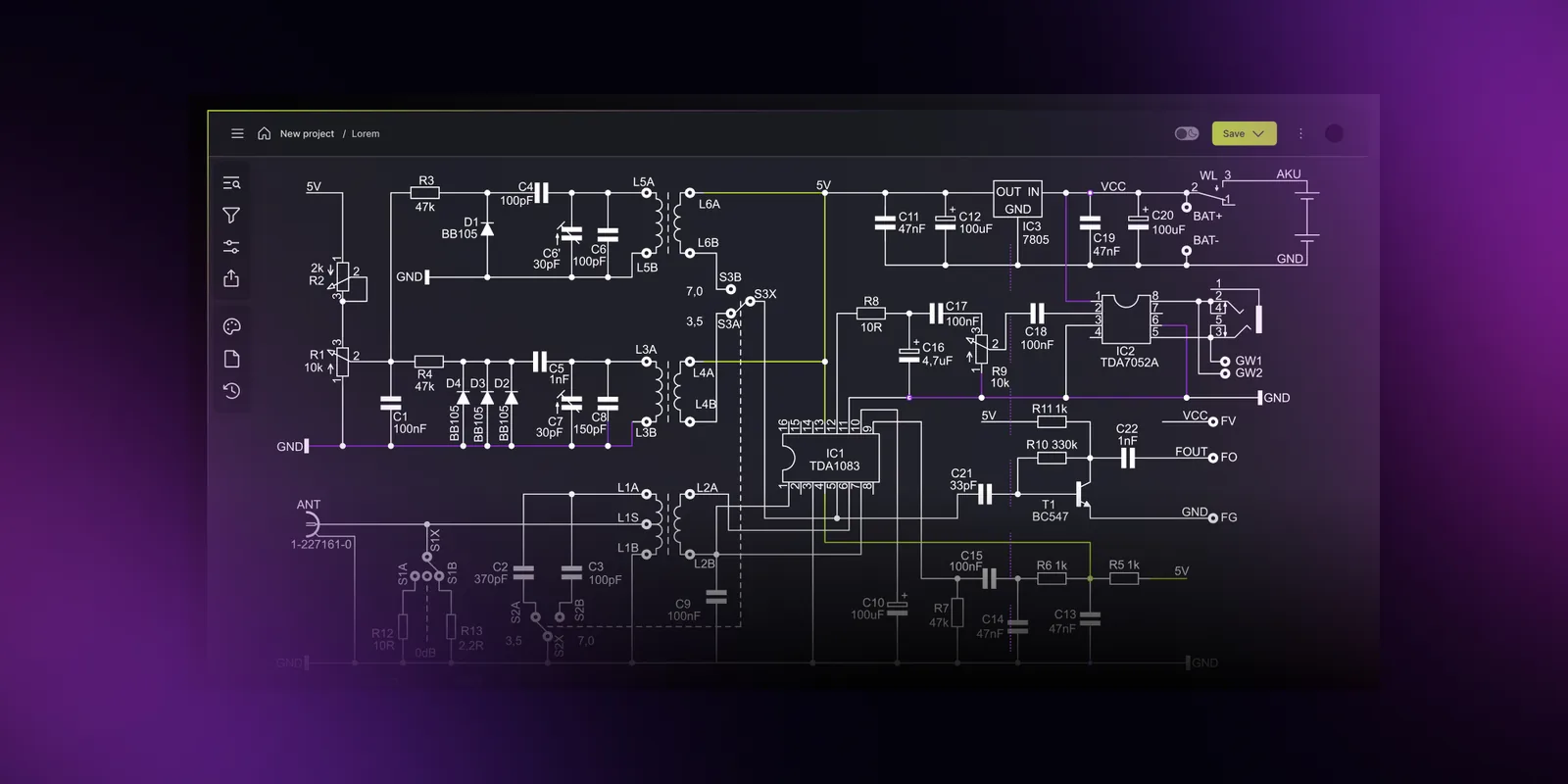
At Synergy Codes, we approach this differently. A centralized, database-backed platform provides shared access to a single project model. Multiple engineers can work on the same design while changes are tracked through version history thanks to concurrent editing. The current state of the project remains visible to engineering, procurement, and commissioning teams at all times.
Automation features already available on the market
Several established tools already offer it as a core capability.
What packaged tools deliver today
EasyPower SmartDesign automates equipment sizing for cables, transformers, and protective devices in accordance with electrical standards. Built-in reports and alerts highlight potential code violations during the design phase.
PCSCHEMATIC Automation can generate schematics from templates and structured data sources such as spreadsheets. Documentation like bills of materials, terminal plans, and cable schedules updates automatically from the diagram.
SOLIDWORKS Electrical supports automated schematic design with features such as wire numbering, component tagging, and circuit reuse. The Professional version adds team collaboration and integration with SOLIDWORKS 3D models.
What these tools have in common
All three offer some combination of:
- intelligent symbol libraries with embedded component data,
- automatic tagging, labeling, and wire numbering,
- reusable templates and circuit modules,
- generated documentation (bills of materials, terminal lists, cable schedules),
- integration with component databases or external systems.
This confirms that automation of electrical drawing tasks is already expected in the market. For some organizations, however, the constraints of packaged tools become the next bottleneck.
Outdated electrical drawings cost teams 30% of project time.
Score your teamWhere to start with electrical drawing automation
The tools described above show what's available on the market today. But adopting automation doesn't mean replacing everything at once. Most teams begin with one workflow bottleneck and expand from there.
Identify the most time-consuming manual step
For some teams, it's redrawing similar schematics for every new project. For others, it's keeping documentation in sync after a mid-project change. The right starting point depends on where your team loses the most time today.
Evaluate whether your data is ready
Automation runs on structured information. If component specifications, connection rules, and project parameters already exist in a consistent format, even in spreadsheets, that's enough to begin. If they're scattered across emails, PDFs, and individual engineers' files, organizing that data is the first step before any tool can help.
Start small, then expand
A practical first project might automate a single diagram type or a single stage of the process. Once the results are proven and the team is comfortable, additional drawing types, validation rules, and integrations can be added incrementally. We broke that sequence into four phases in our step-by-step implementation guide.
If packaged tools cover what you need, they may be the right choice. If your processes, standards, or scale require something more specific, custom electrical design software is worth exploring.
Custom electrical design software: the Synergy Codes approach
When a company's processes, standards, or integration requirements go beyond what packaged tools support, teams often need more flexible solutions. At Synergy Codes, we build custom electrical design software for organizations that reach those limits. We build around a company's processes, naming conventions, compliance standards, and integration requirements.
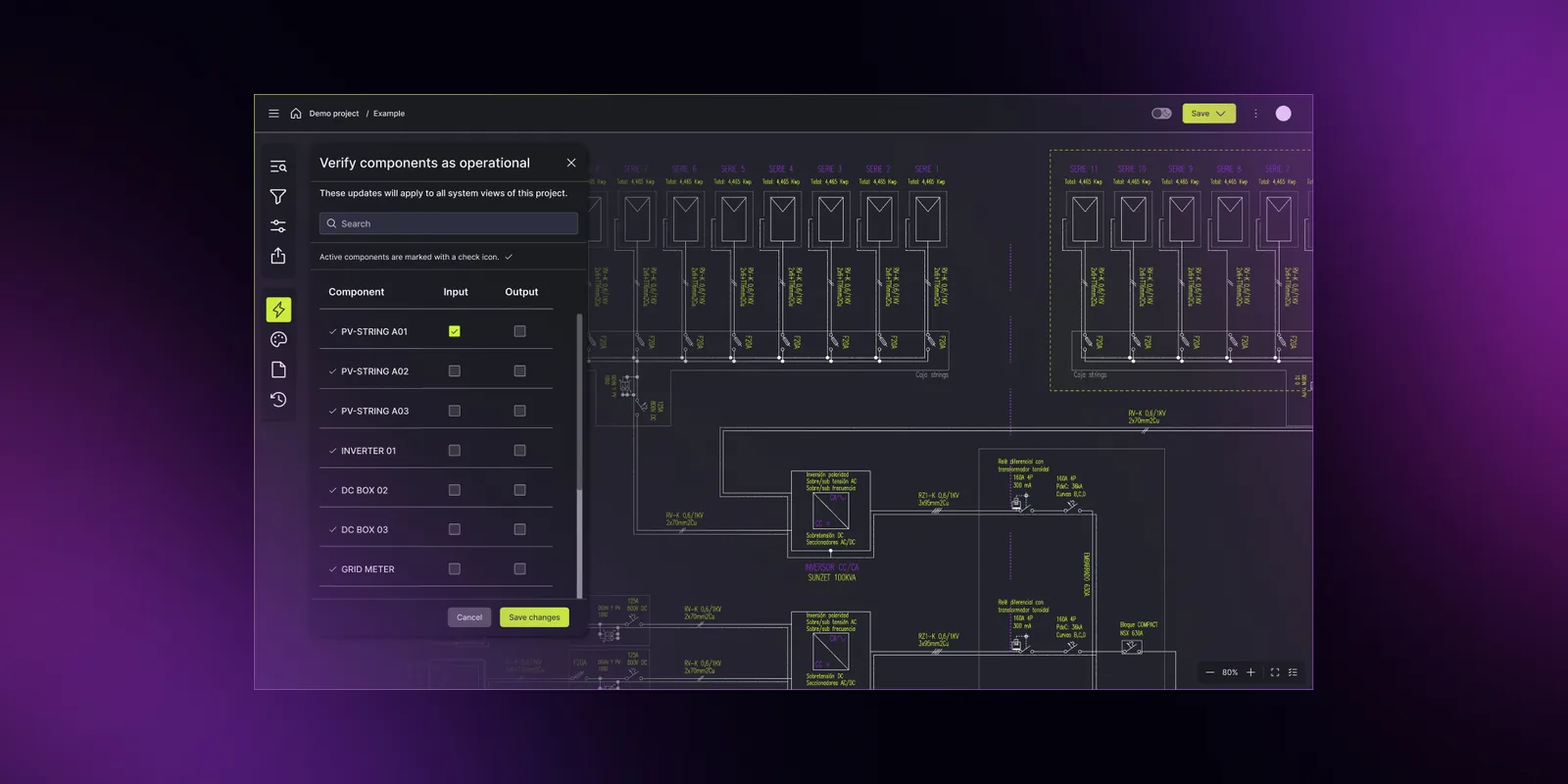
A custom alternative to standard CAD tools
The solution takes the form of a standalone, CAD-like system built specifically for one organization's electrical design process. It's designed and implemented in close cooperation with the client, based on their workflows, standards, and integration requirements.
It can connect to tools such as AutoCAD, EPLAN, Simulink, SCADA platforms, and ERP systems as part of the existing engineering environment. In many cases, the goal is not to replace those tools, but to add an automation and data management layer that works with them.
What makes this different from packaged products:
- The scope is defined by the organization's needs and can cover the full design process, including validation, documentation generation, team collaboration, and integration with enterprise systems.
- The system supports the team's existing engineering process instead of forcing projects into a fixed product structure.
- Naming conventions, approval workflows, business logic, and notation standards such as IEC, IEEE, or ANSI can be implemented according to the client's internal requirements.
- The architecture can be prepared for large-scale projects and has been tested with auto-layout on more than 3,000 components.
- Deployment can be adapted to the organization's requirements, whether web-based, on-premises, or in the cloud.
The system supports concurrent editing, allowing multiple engineers to work on the same project simultaneously.
To see what a clickable, data-connected schematic looks like, try our interactive single line diagram template.
Intelligent symbol libraries built around your components
We create intelligent symbol libraries that reflect the company's own component catalog, with metadata, connection rules, and validation logic specific to the equipment the team uses. When an engineer places a component, the system already knows its electrical properties, compatible connections, and documentation requirements.
From electrical schematics to digital twin
The same structured data that drives schematic generation can be connected to operational systems.
We develop digital twins of electrical installations – virtual replicas built from the same component model used during design – that allow teams to simulate behavior, test changes before implementation, and monitor performance after commissioning.
We've applied this approach to energy storage companies working with renewable energy plant diagrams and single-line diagrams, as well as to industrial clients managing monitoring across production infrastructure.
This is where electrical drawing automation connects to broader industrial digitization. The design tool doesn't stop at documentation, but becomes the foundation for the system's entire lifecycle.
Built for the engineering team, owned by the company
Clients retain full ownership of code and intellectual property. As requirements change – new drawing types, additional integrations, expanded teams – the platform grows with the company rather than depending on a vendor's product roadmap.
Is it time to automate your electrical design process?
If your team is still updating documentation one file at a time and catching errors during commissioning rather than during design, the tools to change that already exist.
Not sure where your team stands? Score your workflow against 25 questions with our electrical schematics checklist.
Automation of electrical drawing tasks is already widely used in industries that rely on complex electrical design. For teams whose requirements go beyond what packaged tools can offer, a purpose-built platform is the next step.
Book an engineering consultation to discuss how custom electrical design software could work for your team. Or explore our electrical design offering to see what we've built for engineering teams in energy, manufacturing, and industrial automation.
- What is electrical drawing automation?
Electrical drawing automation uses software to generate schematics, wiring diagrams, and related documentation from structured component data, rather than manual CAD drafting. It applies standardized rules to automatically place symbols, route connections, and label components, reducing repetitive work and the risk of errors.
- How is custom electrical design software different from tools like SOLIDWORKS Electrical or PCSCHEMATIC?
Packaged tools offer a fixed set of features designed for a broad market. Custom electrical design software is built around a specific company's processes, naming conventions, compliance standards, and integration requirements. It operates as a standalone platform, not a plugin.
- Can custom electrical design software integrate with existing CAD and ERP systems?
Yes. Custom platforms can integrate with tools such as AutoCAD, EPLAN, Simulink, SCADA systems, and ERP systems via data import/export and synchronization. The goal is to enhance existing infrastructure, not replace it.
- What types of electrical schematics can be automated?
Control panel layouts, single line diagrams, wiring diagrams, rack layouts, and PLC input/output sections are common candidates. Any schematic type that follows repeatable patterns and uses standardized components can benefit from automation.
- How do you automate fixture counts on complex electrical schematics?
You automate fixture counts by generating the schematic from a structured component model instead of drawing it by hand. When each device carries its own attributes and relationships, the software counts and lists fixtures automatically as the design changes, so the count stays accurate without manual tallying.
- Can Synergy Codes build a custom schematic editor for our specific standards and workflows?
Yes. Synergy Codes builds purpose-built electrical design software tailored to your naming conventions, compliance standards, and enterprise integrations. Explore the offering.
A Content Marketing Specialist with 6 years of IT industry expertise, crafting everything from in-depth ebooks to strategic brand narratives. Weronika understands diverse tech audiences and ensures every piece delivers value in the most accessible way possible.

Find how we can help you enhance your software and win more deals
Contact us to discuss your project. After you submit the form, we’ll get in touch with you within 48 hours to arrange a call.