What really matters in AV design software?
A 2026 buyer's guide
Insights from 150+ AV integrators and industry practitioners – what they actually want from AV design software, in their own words.
Enter your details and get instant access to the guide.

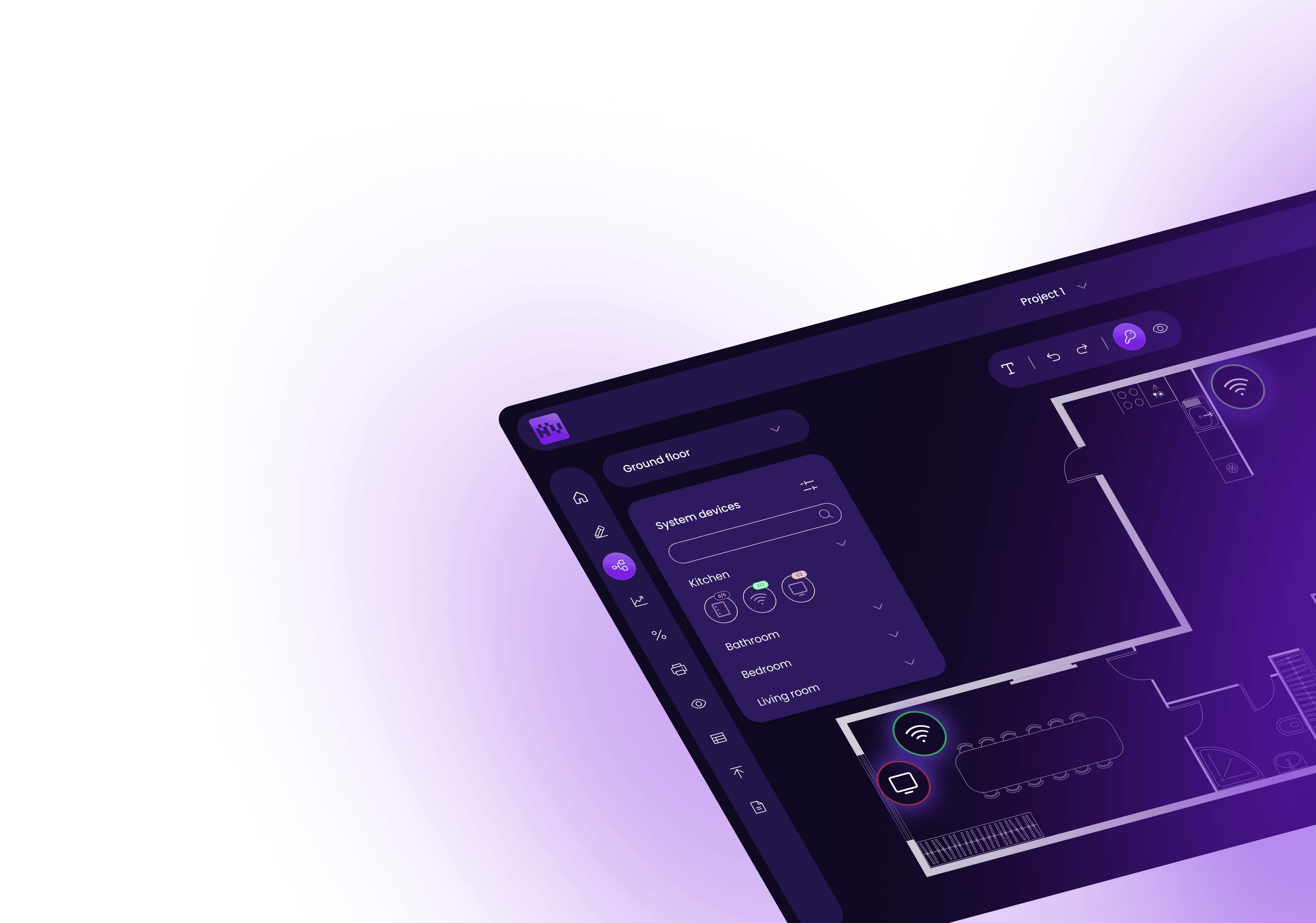
What’s inside the AV design software guide
1.
30 features ranked by AV integrators
Every feature explained with real client quotes and examples of use, drawn from 150+ conversations with AV integrators and industry practitioners.
2.
Feature priority worksheet
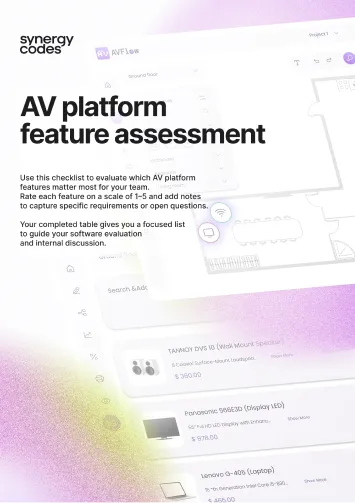
A table to rate each feature
from 1 to 5 against your own workflow – your top-rated rows become your must-haves when comparing AV platforms.
3.
When to move beyond D-Tools, XTEN-AV, and AutoCAD
The signals that tell you custom AV design software is worth evaluating, the most common implementation barriers, and what the delivery process actually looks like.
Key findings: what AV integrators really think about design software
Five patterns that changed how we see the AV design software market – from the mouths of integrators, not vendors.
- 01AI-generated diagrams are a red flag, not a selling point.
The most experienced AV integrators reject AI output in their AV design software. The guide explains what they trust instead.
- 02The difference between modern and legacy AV design software
is a single moment in time.It is not the feature set, not the UX, not the integrations. The guide pinpoints exactly when.
- 03The top reason AV design software gets abandoned is not
features – it is integrations.Teams kill platforms that do not fit their ERP and CRM stack, regardless of how good the design tools are. The full pattern inside.
- 04Best-of-breed stacks lose to one source of truth.
AV project management software built around a central database beats every five-tool workflow – not because of features, because of something simpler.
- 05Custom AV system design software rollouts fail on people,
not platform.The number one risk is not technology or budget. The guide covers who fails adoption and what to plan for.
Why AV integrators are rethinking their design software in 2026
AutoCAD, Excel, and generic diagramming tools were good enough for a long time. At today's project volume, speed, and client expectations, they are not anymore.

With 170+ custom diagram platforms delivered, Maciej works directly with AV integrators and system providers – the same client conversations that shape the features ranked in this guide.

Where most AV teams
are today
Most audio-visual integrators still run projects across three disconnected tools: generic CAD, spreadsheets, and email handoffs. Domain platforms like D-Tools and XTEN-AV structure your workflow around vendor assumptions that rarely match how teams actually work.

Signs it is time to switch
The shift to custom AV design software begins when workarounds cost more than the tool. Quoting cycles stretch, documentation errors reach installation, ERP and CRM integrations hit walls, and custom rule sets go unexpressed. Generic AV CAD software keeps drawing – but stops scaling.

A platform built around your workflow
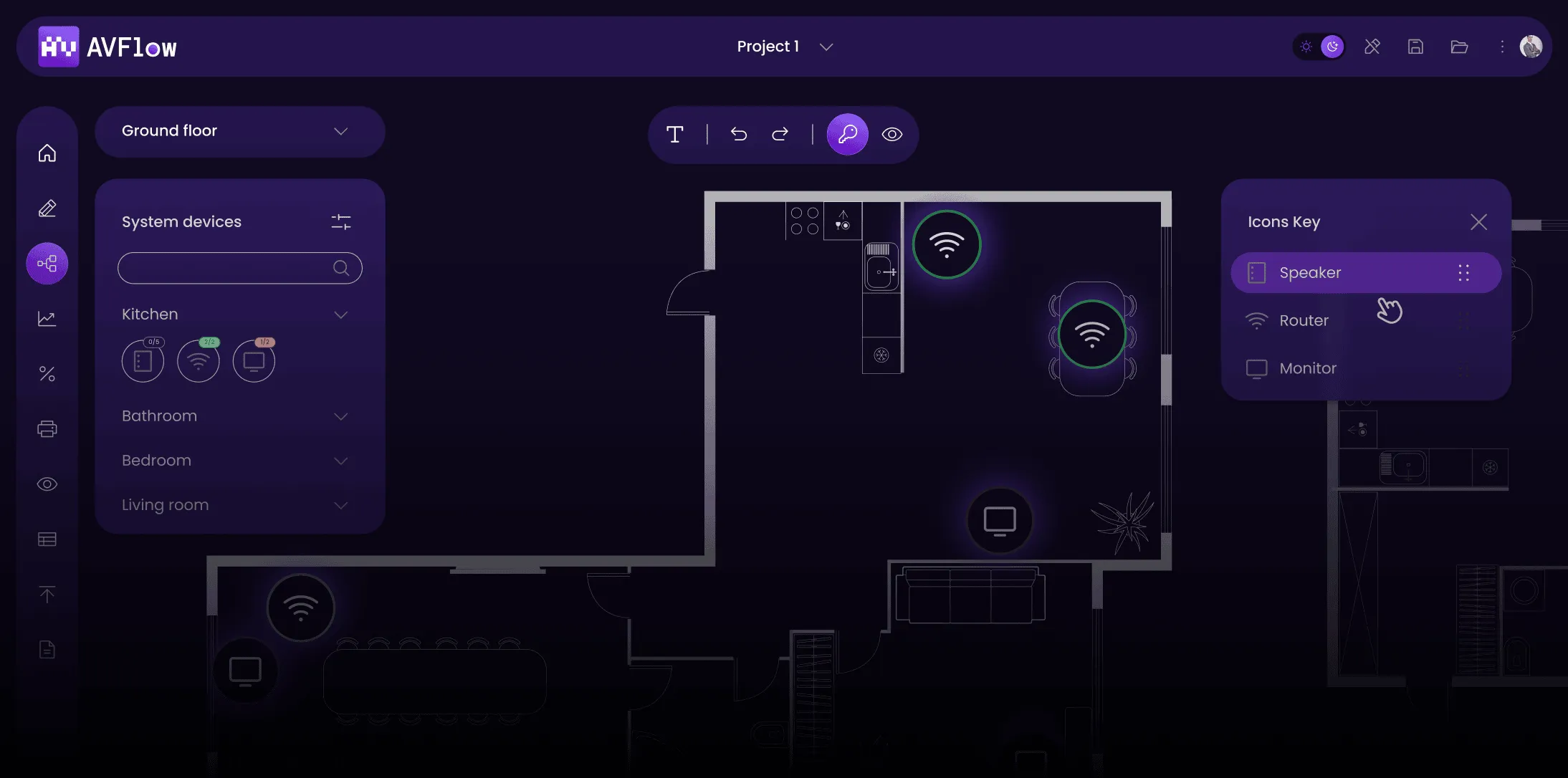
Custom AV system design software fits your process, not the vendor's. Deterministic diagram generation, real-time validation, two-way ERP and CRM sync, and designer-configured custom rules – all shaped around how your team actually builds.

Discover the full range of modern AV design software
The 30 features covered in the guide span five phases of the AV project lifecycle.
FAQ
- What is AV design software?
AV design software is a category of tools that helps audio visual integrators design system layouts, generate technical drawings, produce documentation and quotes, and validate installations before they reach the field. Unlike generic CAD, AV design software includes domain-specific logic: device databases, signal compatibility rules, port constraints, and connection topologies. A custom AV design platform extends this by adapting to your workflow and integrating with your ERP, CRM, and inventory systems.
- AV design software vs AutoCAD, D-Tools, and XTEN-AV – what's the difference?
AutoCAD is a generic CAD suite with strong drawing tools but no AV domain logic – every rule lives in the designer's head. D-Tools and XTEN-AV are domain platforms built for AV, but their workflows, data models, and integrations are vendor-defined. Custom AV design software sits above both: the platform fits your process, your rule sets, and your integration stack. Integrators who outgrow D-Tools and XTEN-AV typically move to a custom build when their workflow and integrations no longer map to the vendor tool.
- When is a custom AV design platform overkill?
If your projects stay inside single racks with standard equipment, dedicated AV rack design software probably covers you. If you run fewer than 50 AV projects a year with stable workflows and no external system integrations, D-Tools or XTEN-AV is likely enough. Custom AV design software pays off when workflow fit, integrations, or team scale cost more than the tool itself.
- How does AV design software integrate with ERP and CRM systems?
Integration is typically two-way. The AV platform pulls device specifications, pricing, and inventory levels from the ERP in real time, and pushes approved orders, BOMs, and project data back when the design is finalized. CRM integration syncs client records, quotes, and project stages. An open API covers custom systems the vendor integrations do not reach, making AV project management software a natural extension of the company's existing tool stack.
- Is AV design software the same as AV rack design software?
Rack design is a subset. AV rack design software covers the physical layout inside equipment racks – device placement, cable routing, and rack-unit allocation. A custom AV design platform includes rack design alongside system-level design, signal-flow diagrams, BOM generation, project management, and integrations. If your projects stay inside single racks, dedicated rack design software may be enough. If your projects span rooms, buildings, or campuses, you need full AV system design software.
- Who is this AV design software guide for?
The guide is written for system integrators, engineers, project managers, sales teams, and decision-makers evaluating AV design software for their company. It helps readers make informed tool choices, plan implementations, prepare RFPs, and understand which features actually improve daily work – independent of vendor marketing.

Built by Synergy Codes, with insights
from AV industry practitioners

Delivery Lead and Principal Developer with 10+ years building custom diagramming platforms for industry-specific workflows. Bridges the engineering and commercial sides of AV platform delivery.

Software Developer building custom AV platforms for integrators and system providers. Specializes in diagram engines, real-time collaboration, and graph-based editors that translate complex system data into clear, interactive workflows.

Content Marketing Specialist with a decade of experience in content for engineering industries – from data visualization to custom diagramming platforms. Holds an MA in Brand Communication.
Enter your details and get instant access to the guide
Expand your research on custom AV design software
Explore how Synergy Codes approaches AV design automation, project management, and CAD alternatives.
Diagram-based AV design for engineers: Automatically generate schematics from your equipment list...
learn more...
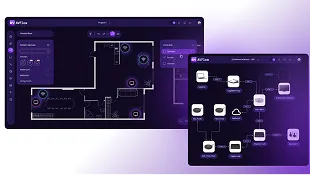
Let every stakeholder understand the system layout and technical details. Transforming...
learn more...
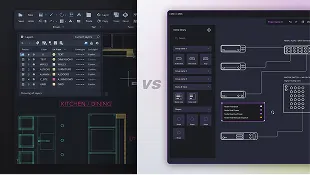
As AV systems grow more complex, general CAD tools reach their limits. Learn how custom ...
learn more...
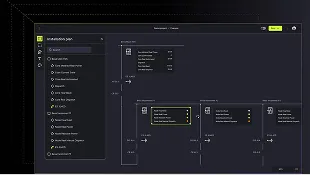
Discover how CAD automation can save your engineers hours every week, cut costs, and transform productivity...
learn more...
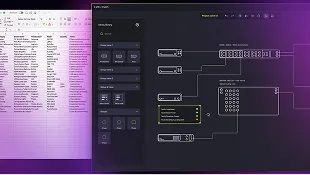
Learn how automating AV system diagrams reduces manual work, speeds proposals...
learn more...
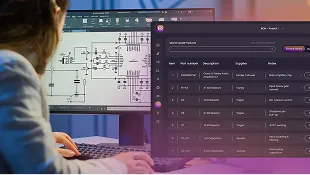
Automating 2D CAD drawings speeds up quoting and reduces errors...
learn more...
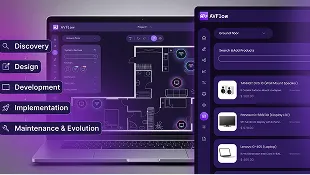
From discovery workshops to a production-ready platform...
learn more...
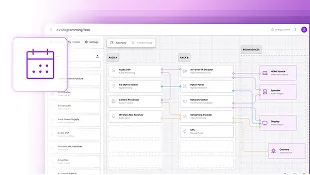
Learn how automated technical drawing software improves AV project...
learn more...